Description
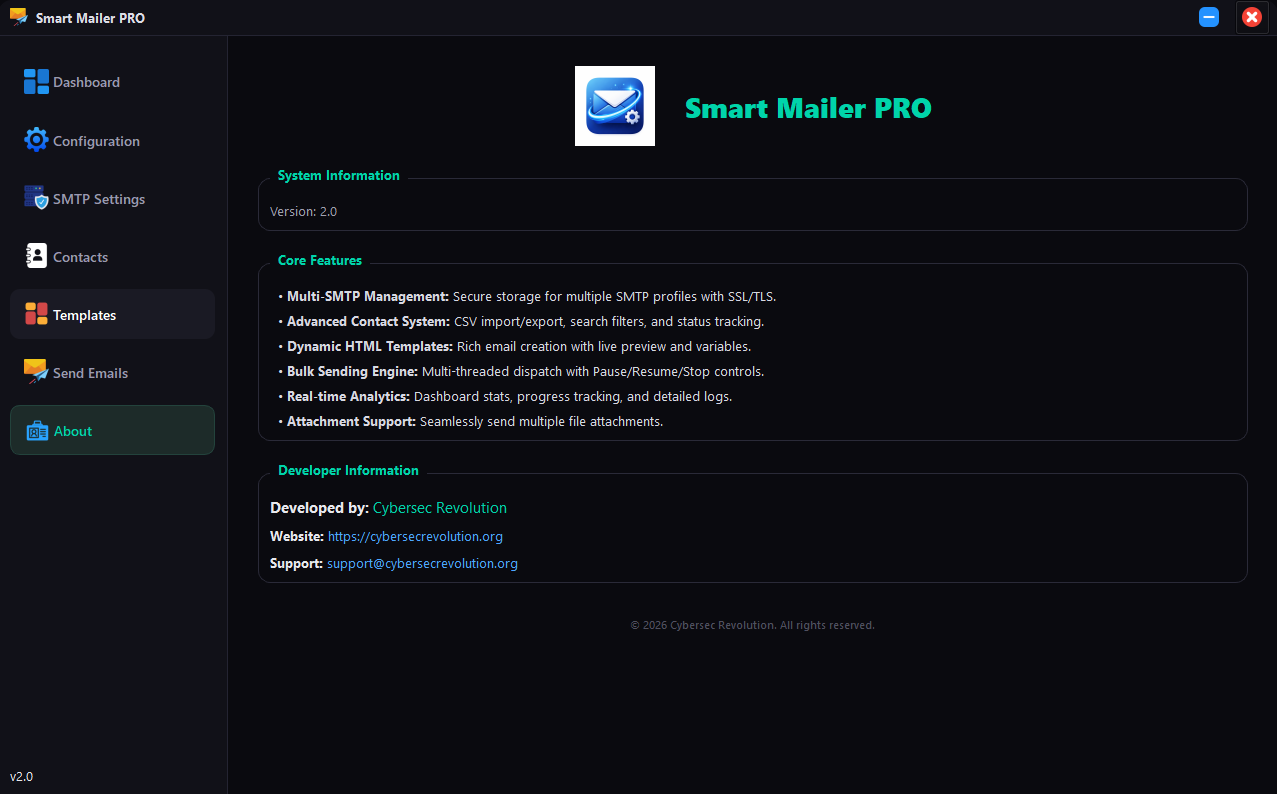
Smart Mailer Pro is a powerful tool built for users who want full control over their email campaigns without dealing with complicated systems.
Features:
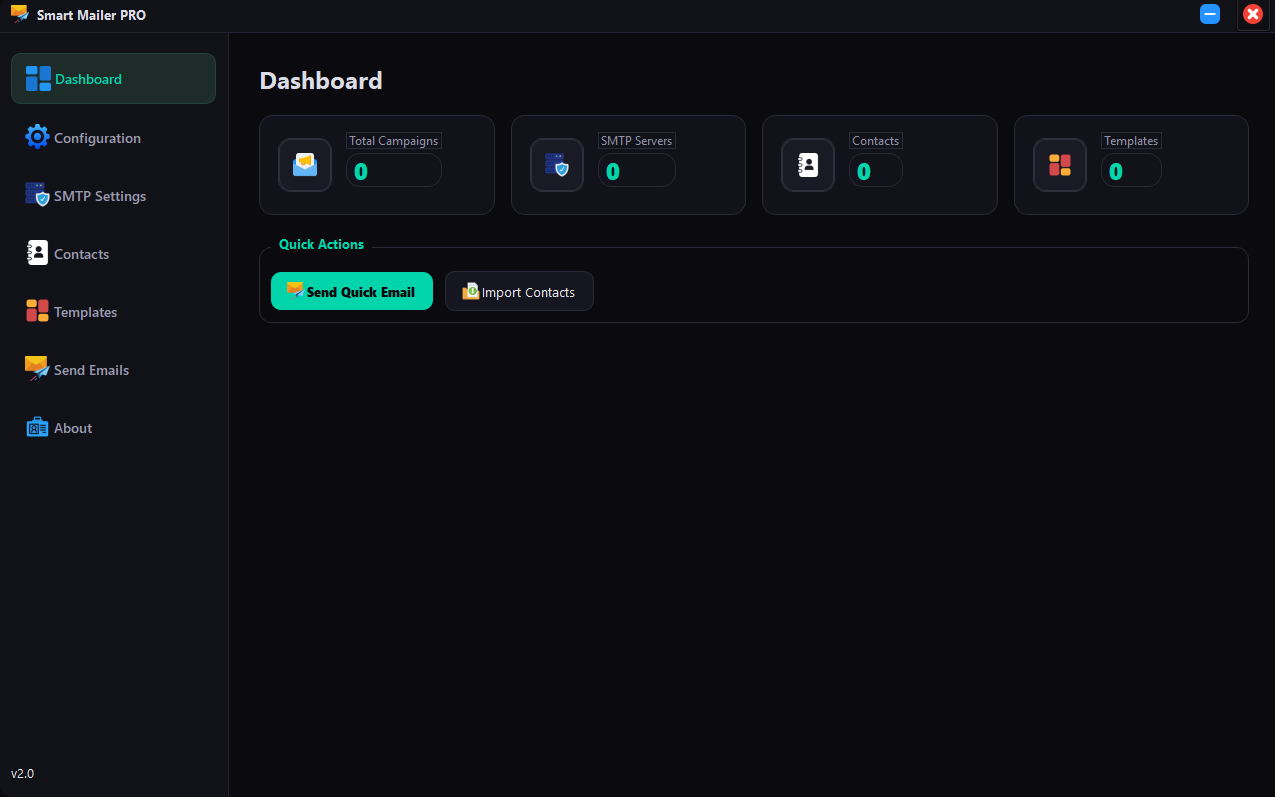
Statistics Overview: Visual cards displaying the total count of Campaigns, SMTP Servers, Contacts, and Templates.
Quick Actions: Shortcuts to aquickly send an email or import contacts without navigating through menus.
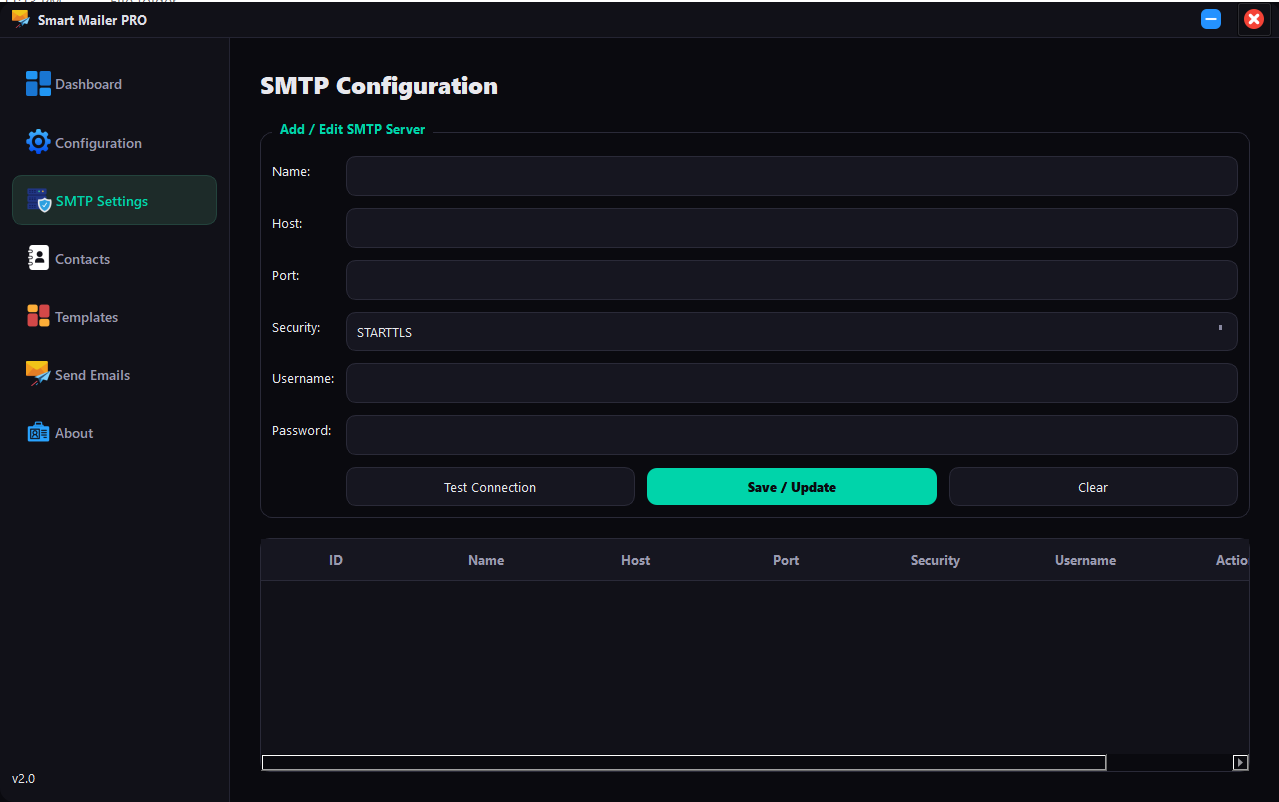
SMTP Management (Server Profiles): Save and manage multiple SMTP server configurations (Host, Port, Username, Password).
Security Protocols: Supports STARTTLS, SSL/TLS, and unencrypted connections.
Auto-Fill Ports: Automatically suggests standard ports (587, 465, 25) based on the selected security protocol.
Connection Testing: A “Test Connection” button to verify credentials and server availability before sending emails.
CRUD Operations: Full ability to Create, Read, Update, and Delete SMTP profiles.
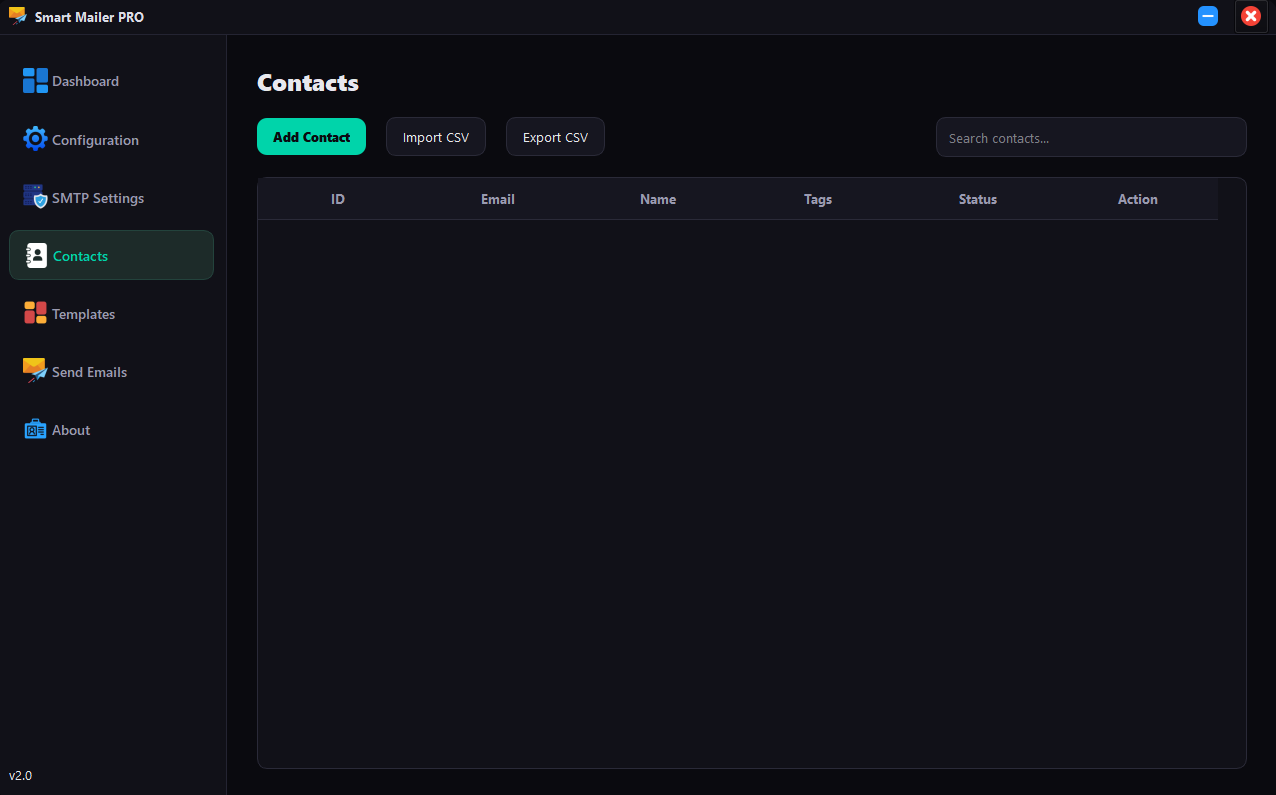
Database Storage: Stores contacts locally in a SQLite database.
Import/Export: Supports importing contacts from CSV files and exporting the database to CSV for backup.
Search Functionality: Real-time search filter to find contacts by email, name, or tags.
Tagging System: Organize contacts using tags for better segmentation.
Status Management: Tracks contact status (e.g., ‘active’) to filter who receives emails.
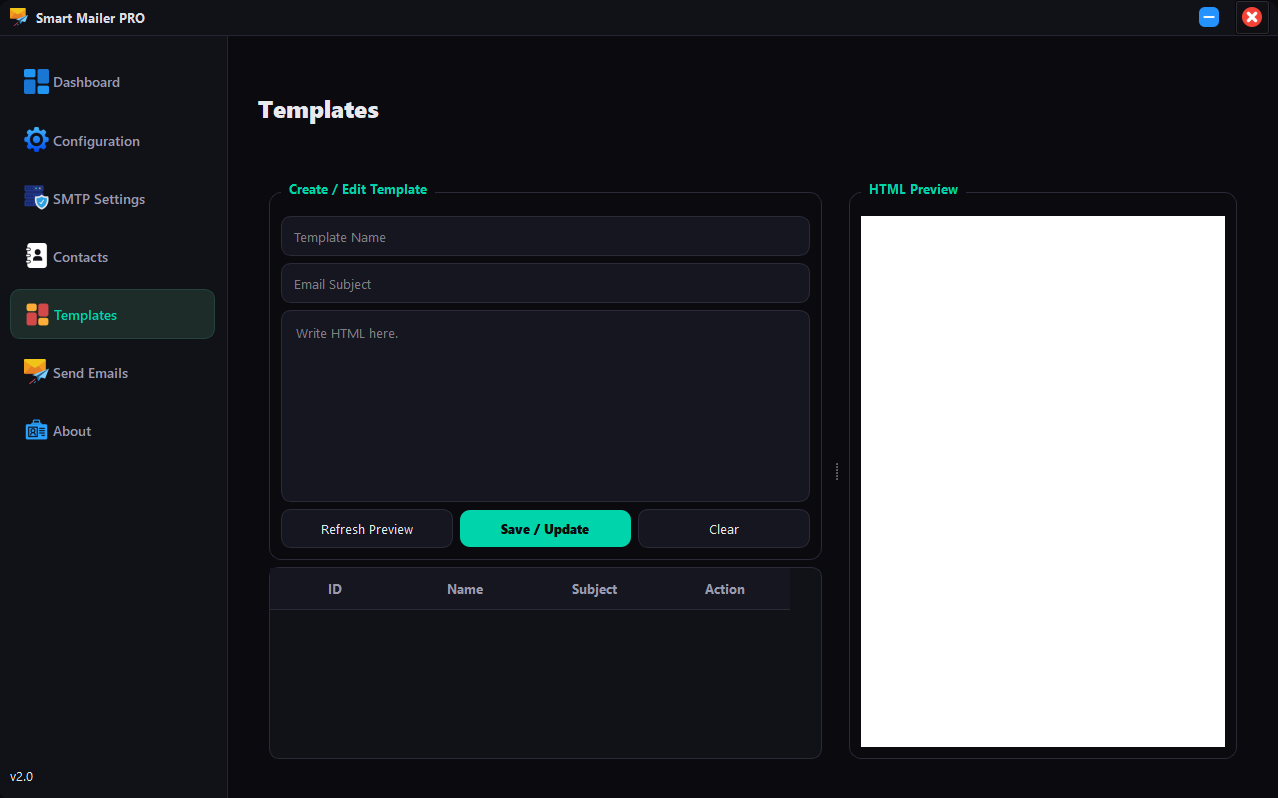
HTML Email Support: Create rich HTML emails using a built-in text editor.
Live Preview: A split-screen view with a Web Engine preview pane to see exactly how the email will look before sending.
Personalization Variables: Supports placeholders like `{{email}}` to dynamically insert the recipient’s email address into the body content.
Subject Line Templates: Save default subject lines within templates.
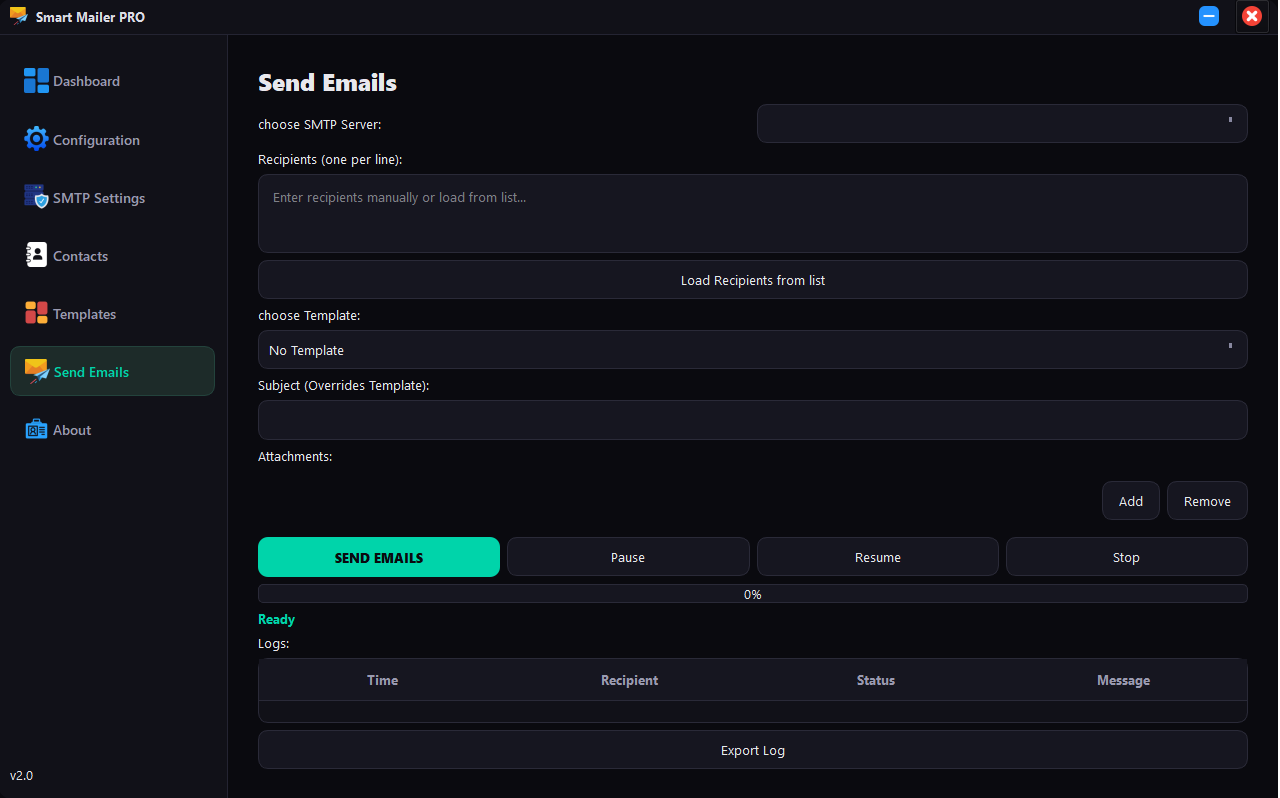
Multi-Recipient Support: Send emails to a list of recipients pasted directly into the text area.
Load from Database: One-click button to load all “active” contacts from the database into the recipient list.
File Attachments: Add multiple file attachments to emails. A list widget displays attached files, with options to add/remove them.
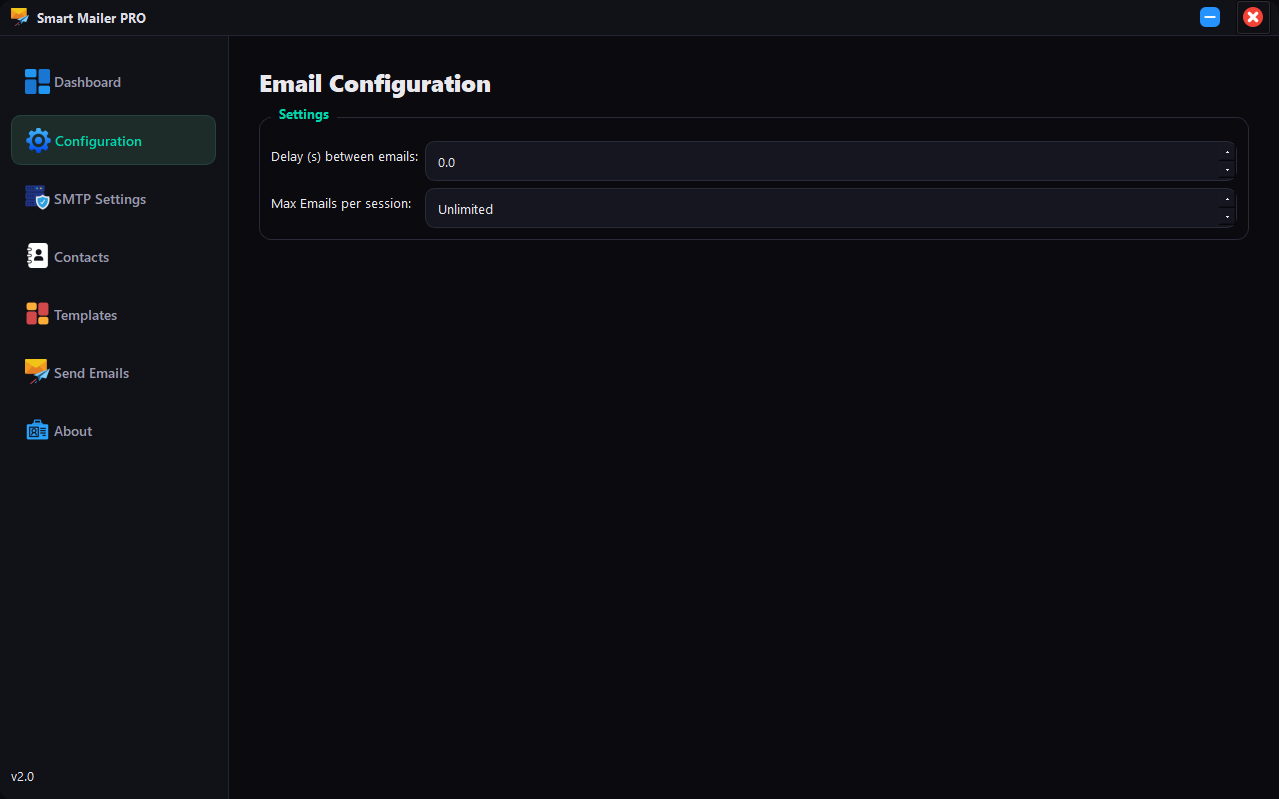
Delay: Set a specific wait time (in seconds) between sending each email to avoid being flagged as spam.
Rate Limit: Set a maximum number of emails to send per session.
Multi-threaded Sending: The email sending process runs in a separate background thread, keeping the UI responsive (you can still move the window or check other tabs while sending).
Flow Control: Includes **Pause**, **Resume**, and **Stop** buttons to control the sending process in real-time.
Progress Tracking: A progress bar and status label show the current progress of the campaign.
Real-time Logging: A table logs every attempt with a timestamp, recipient, status (Success/Failed), and detailed error messages.
Campaign History: Automatically saves a record of every campaign (timestamp, recipient count, success/fail ratio) to the database.
Export Logs: Ability to export the sending log to a CSV file for analysis.
SSL/TLS Encryption: Securely connects to mail servers using Python’s `ssl` library.
Local SQLite Database: No external database server required; all data is stored locally in a single file (`email_sender_pro.db`).
Fallback Icons: Includes logic to handle missing image assets by using standard system icons, preventing UI breakage.

Reviews
There are no reviews yet.