Description
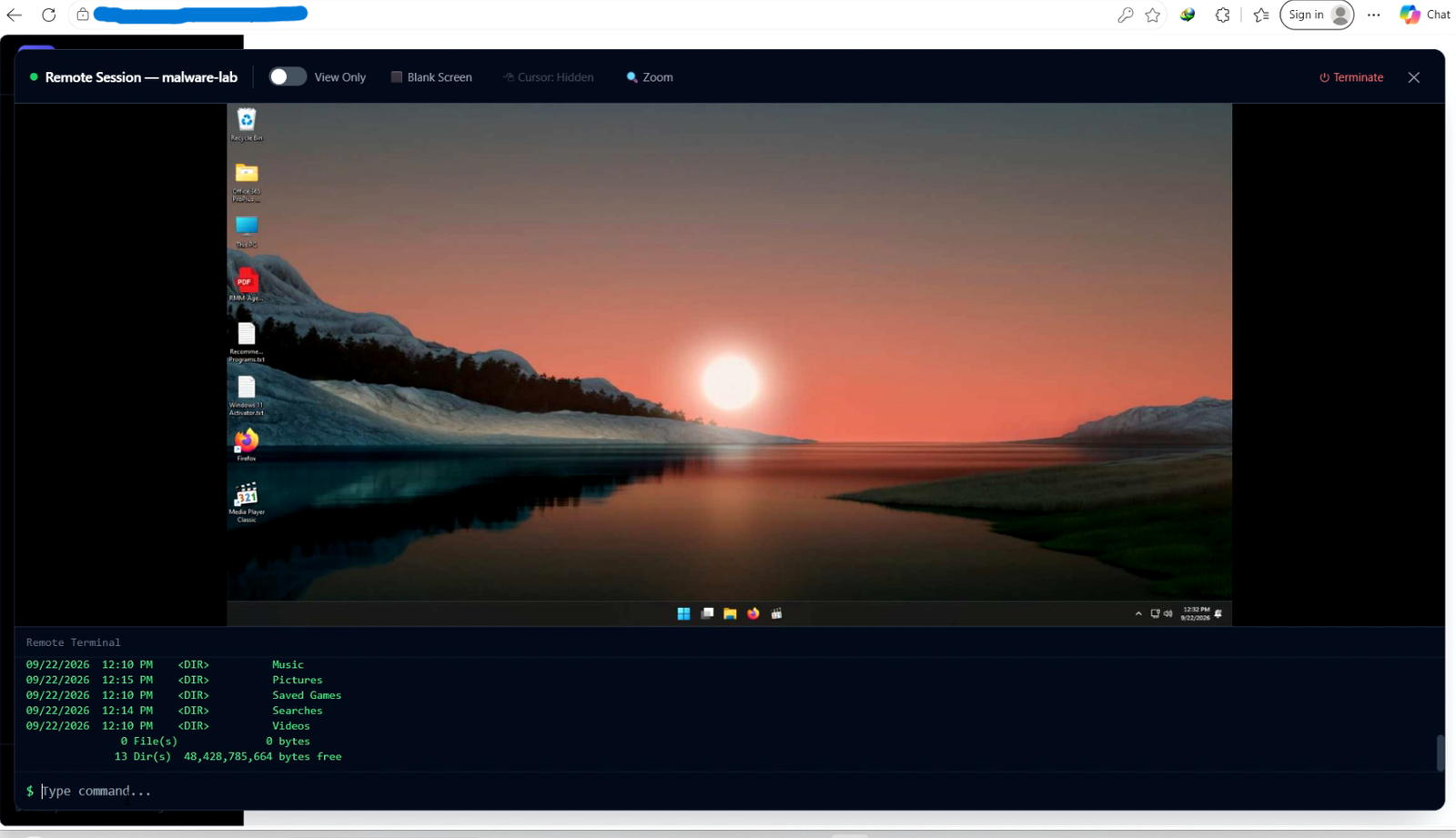
RMM by Cybersec Revolution is an all-in-one software tool that lets IT professionals and support teams manage and fix Windows computers from anywhere.
The Three Main Parts
-
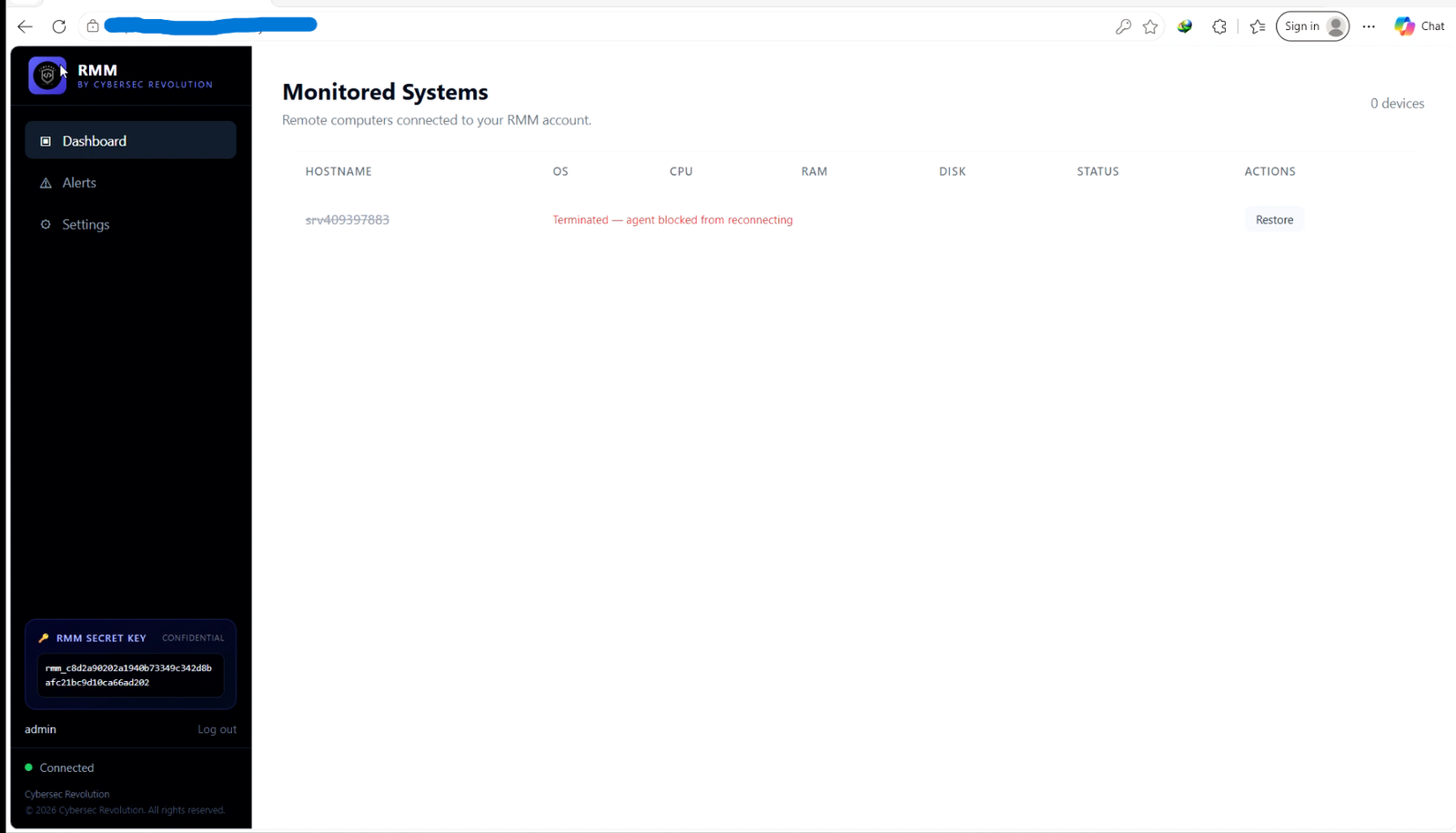
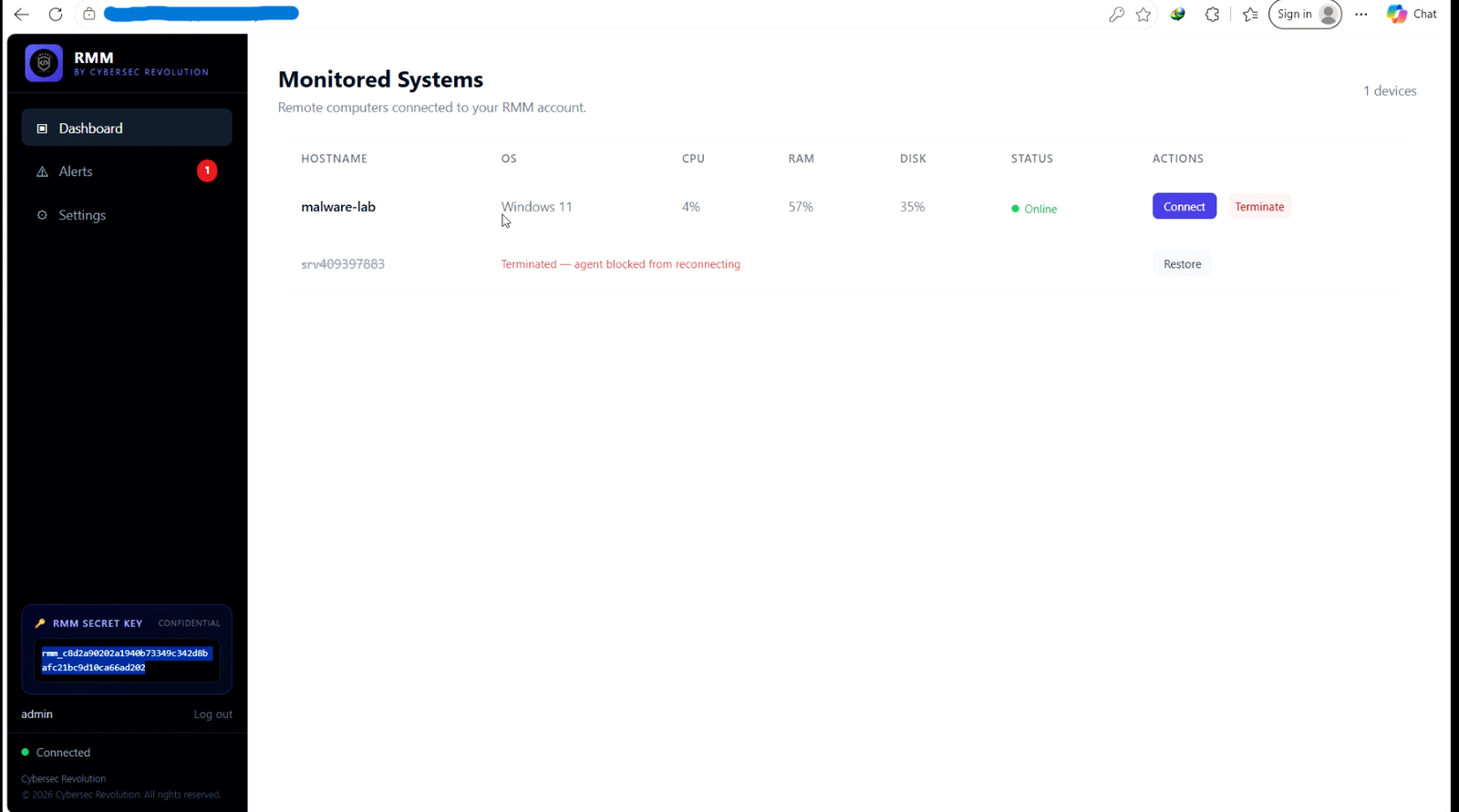
The Web Dashboard: A secure control center you open right in your web browser. Different technicians can log in, and each person only sees the specific computers assigned to their account.
-
The Background App (Windows Agent): A tiny program installed on client PCs. It links the computer back to your dashboard, letting you stream screens, take control, run commands, or work quietly in the background.
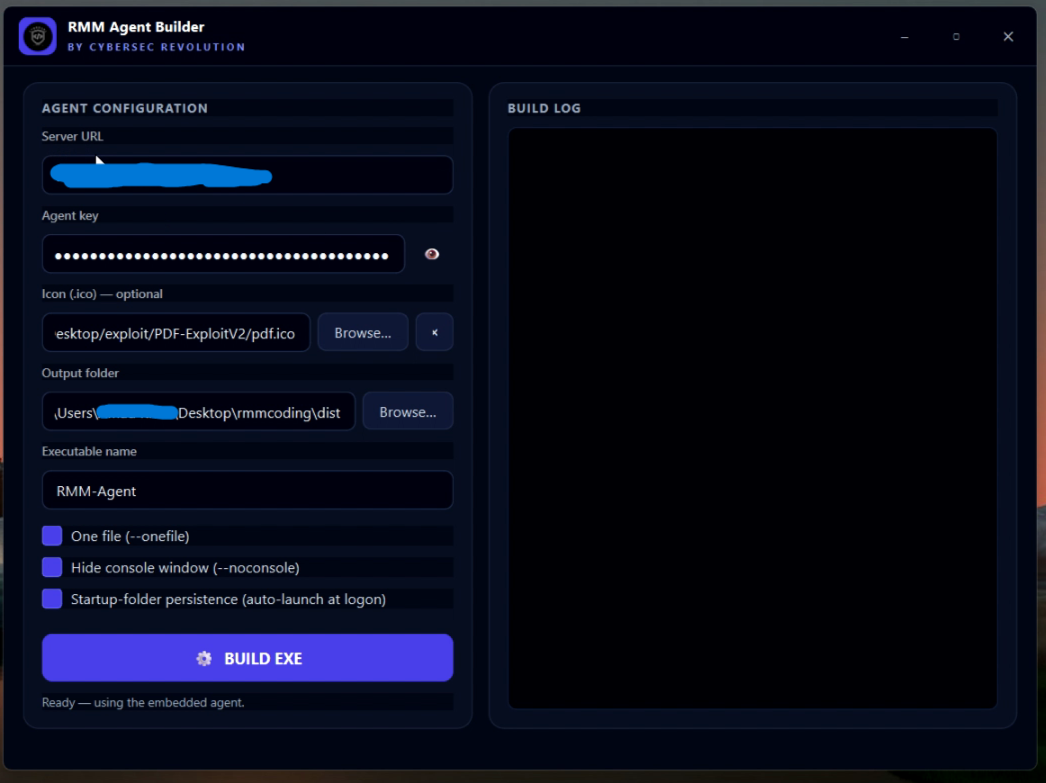
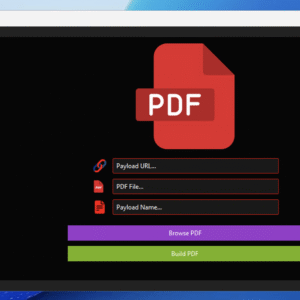
- The App Builder: A easy-to-use desktop program that lets you package custom installer files (
.exe) with your company’s branding and server details in just a few clicks.
Key Features
-
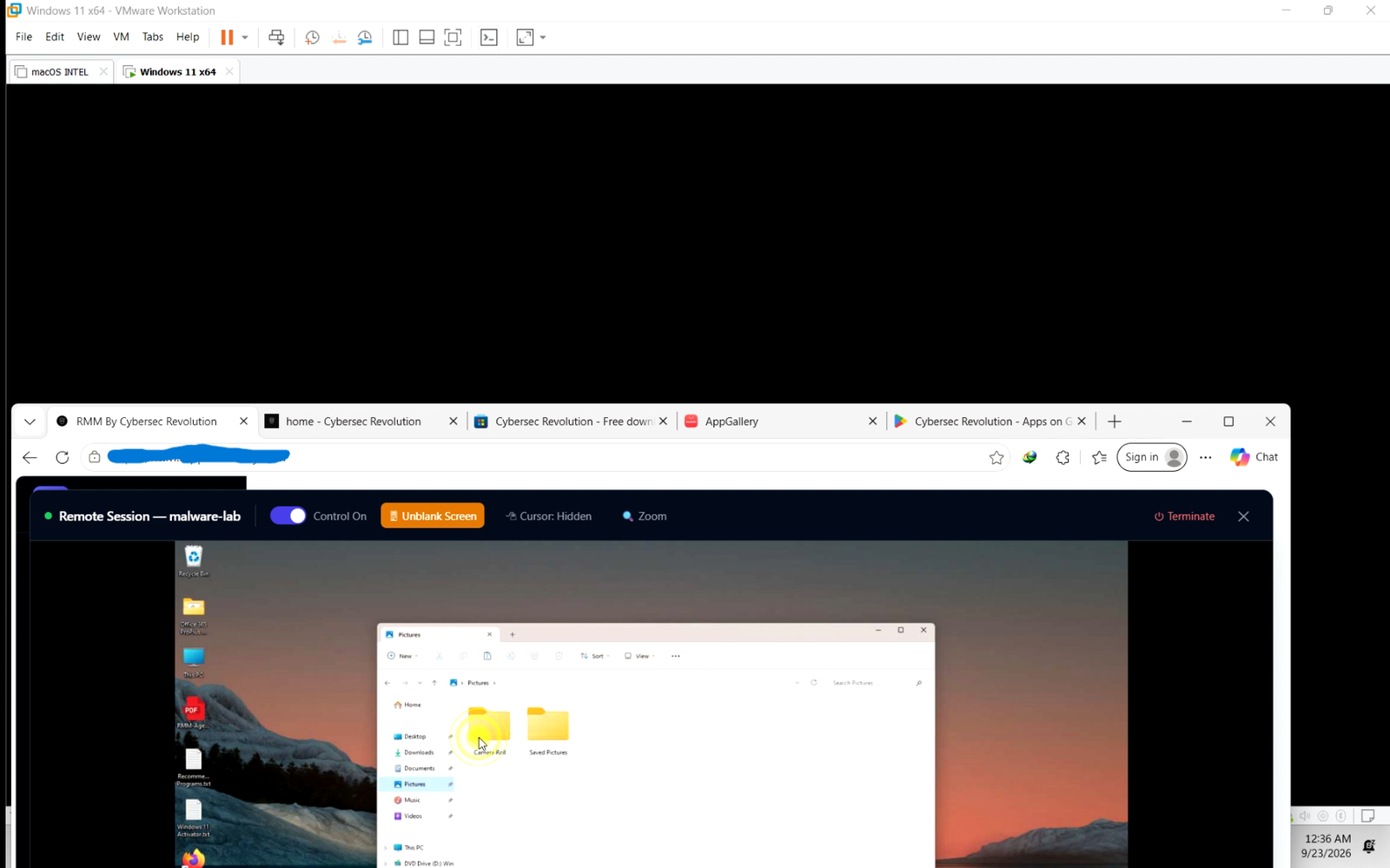
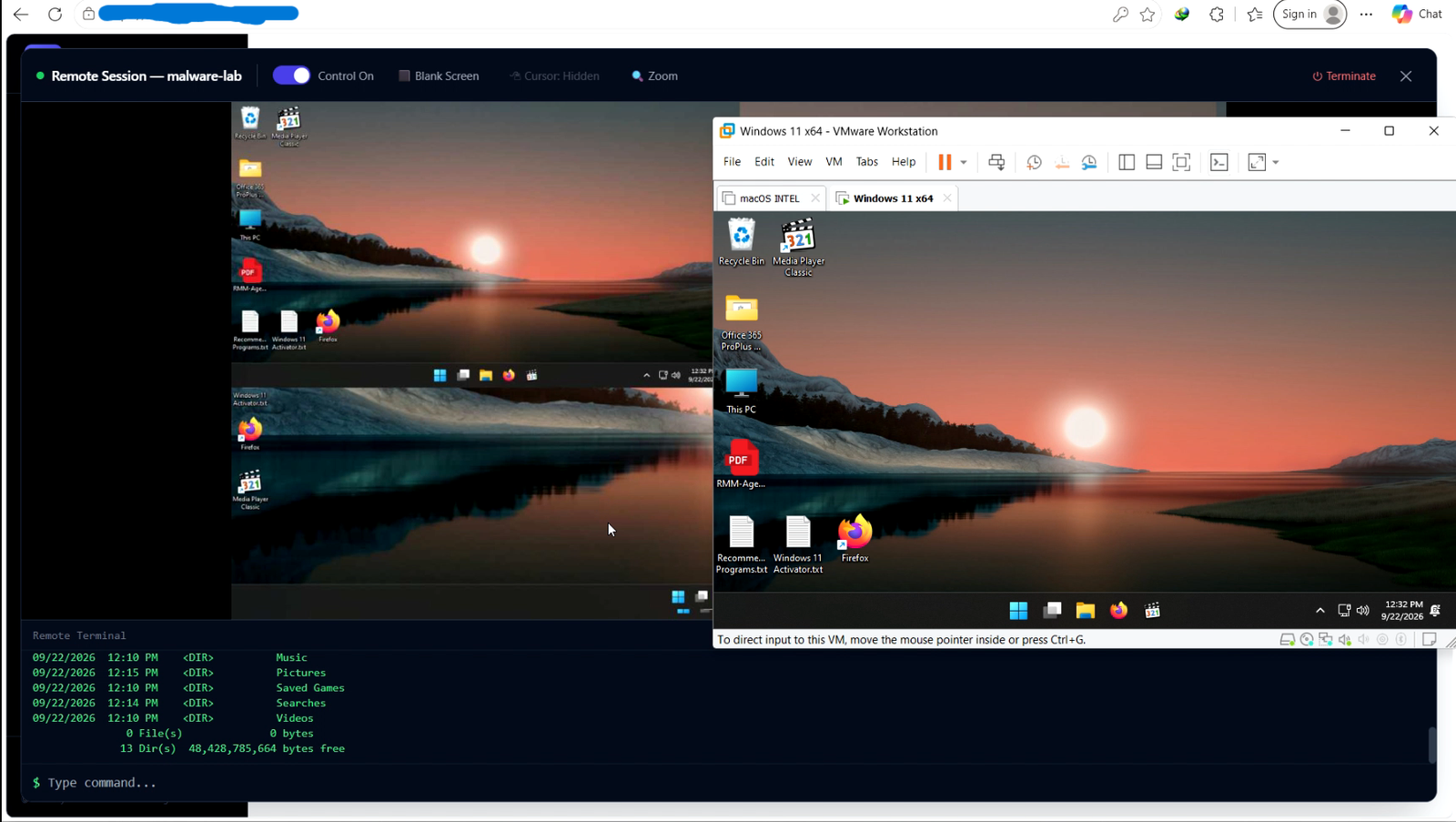
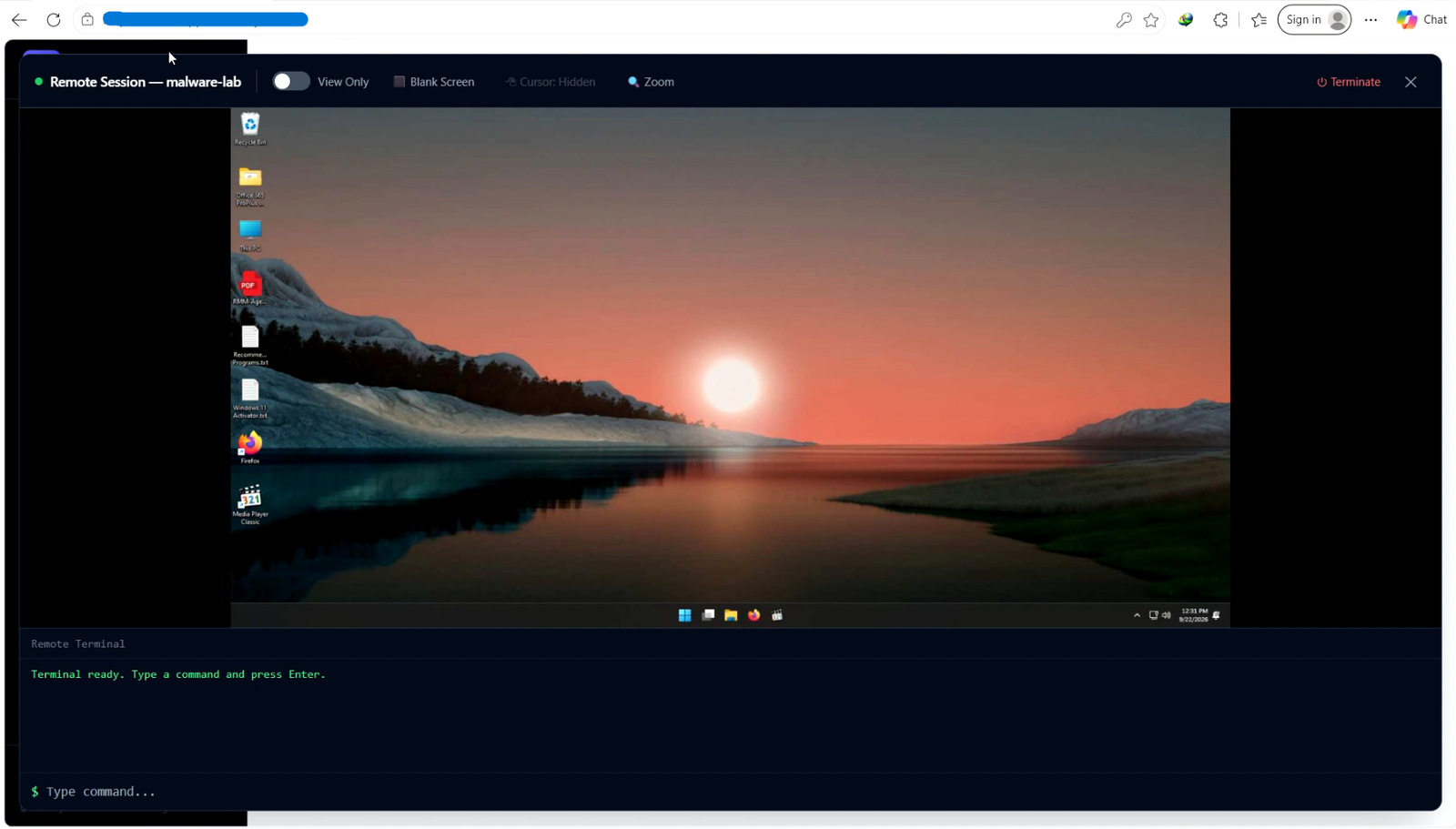
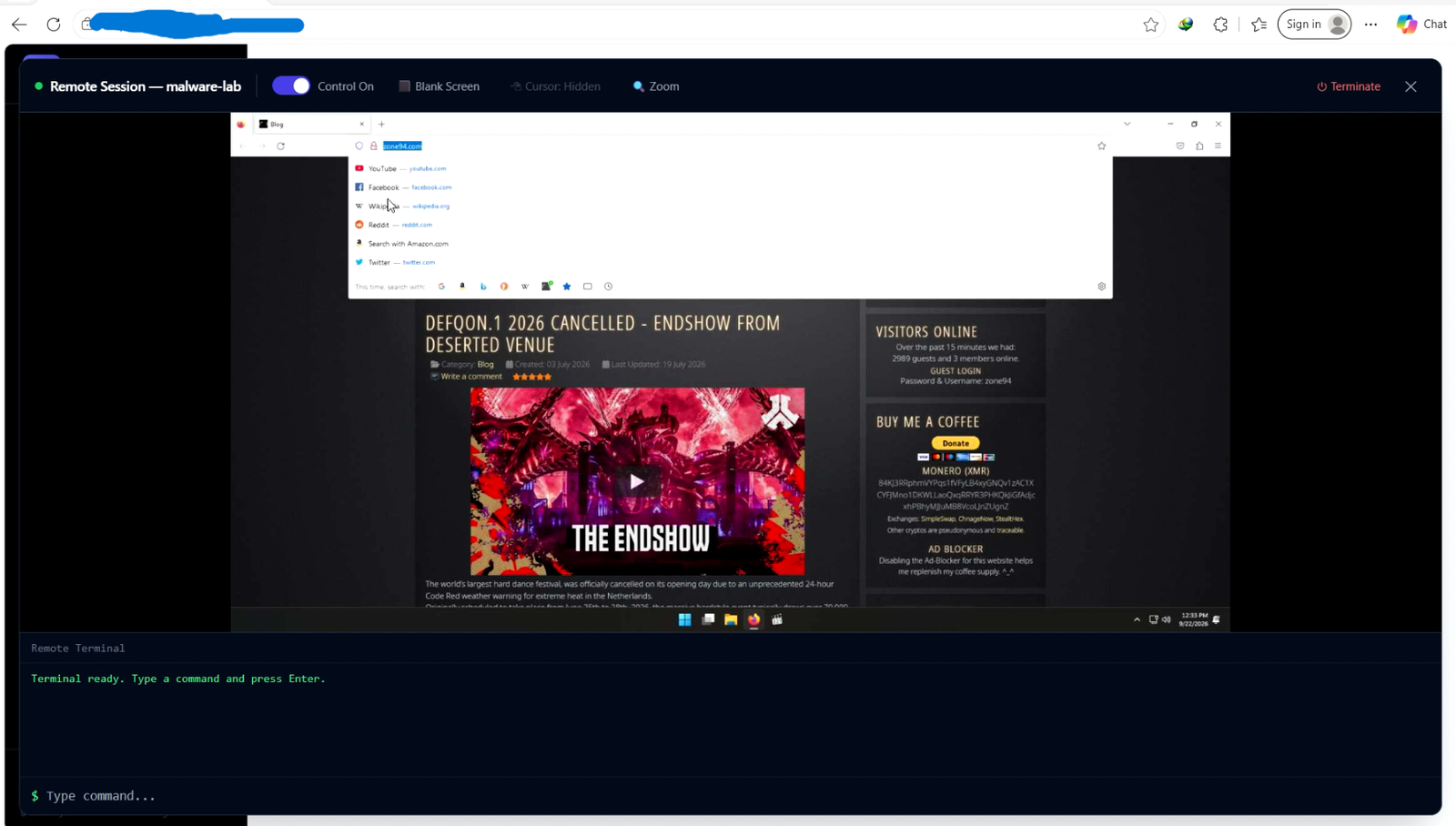
Real-Time Remote Control: View and control any computer screen smoothly. Easily switch between multiple monitors, adjust visual quality, or scale the display to fit your screen.
-
Invisible Maintenance Mode: Turn the computer’s physical screen completely black while you work. You see the desktop and keep full control, but the end-user sees only a black screen and can’t use their mouse or keyboard.
-
Computer Health Checks: See live updates on CPU usage, memory, hard drive space, and network status so you always know if a computer is running smoothly.
-
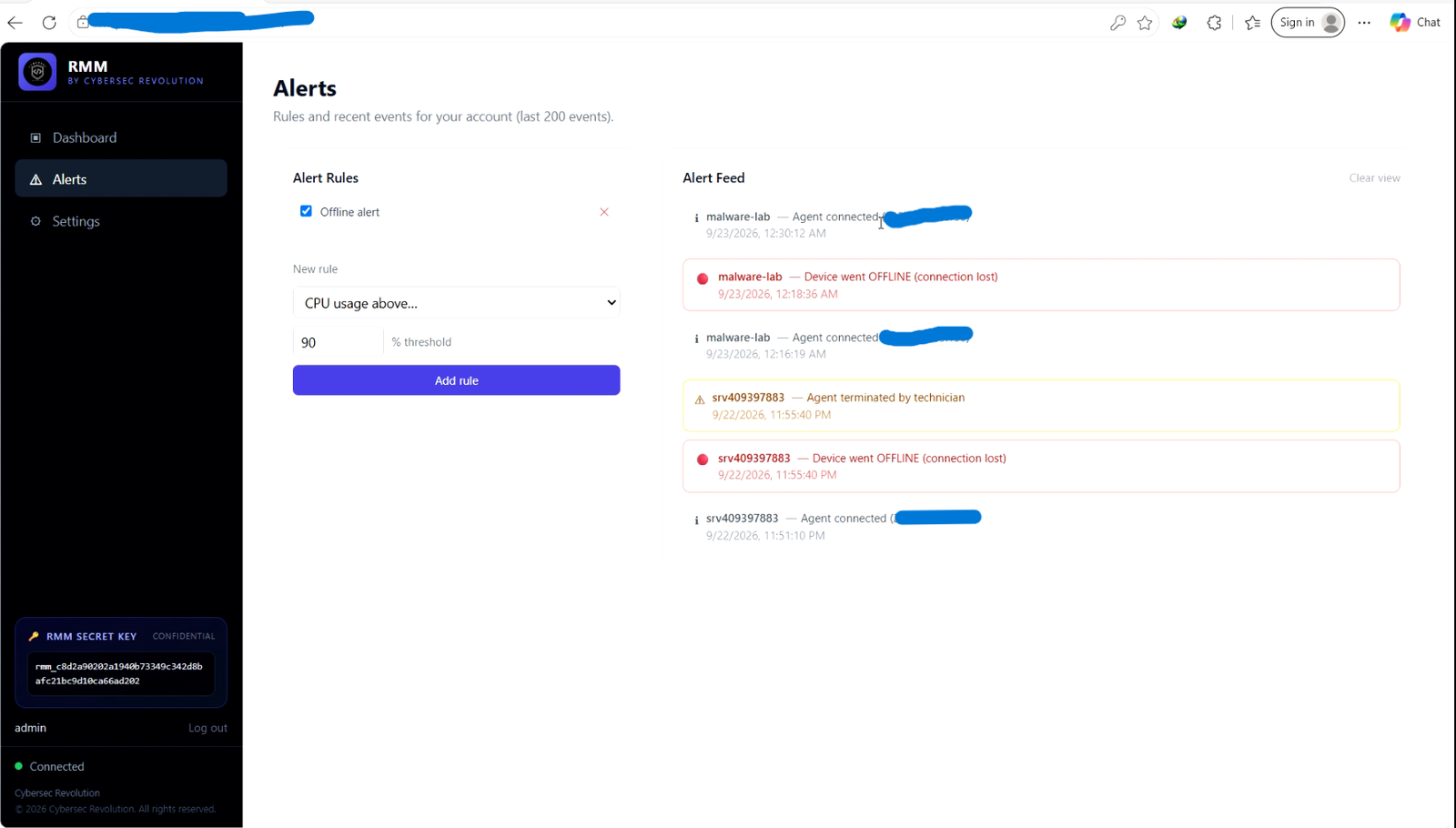
Smart Alerts: Get instant notifications when a computer’s memory spikes, disk space runs low, or a device goes offline. Built-in cooldown timers stop your dashboard from getting flooded with duplicate warnings.
-
Built-in Command Line: Run command-line prompts directly from your web browser without needing to interrupt the user or start a full screen-sharing session.
-
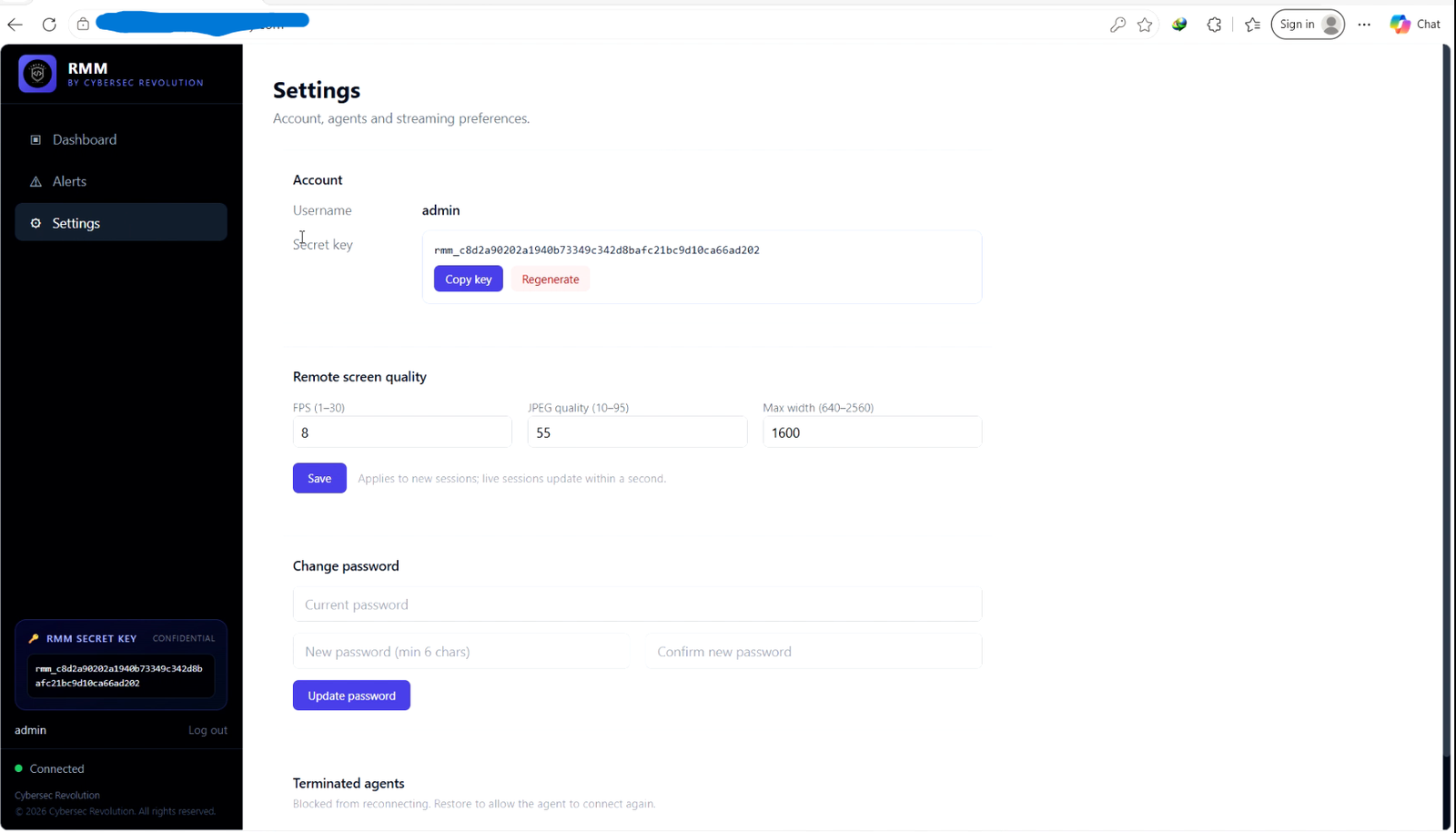
Multi-User Isolation: Separate client devices by technician or department so team members only access what they are responsible for. Block or unblock devices instantly whenever needed.
-
Reliable & Self-Healing: The software automatically reconnects if the internet drops, prevents duplicate copies from running, and restores cursor settings automatically if anything crashes.
Use Cases
- Manage Multiple Clients: Keep client machines completely separate so tech teams only see their designated accounts.
- Support Remote Employees: Help staff anywhere, push quick fixes behind the scenes, and track laptop health from one place.
- Work Without Interruptions: Use Invisible Mode during business hours to fix issues while keeping the user’s screen black and quiet.
- After-Hours Repairs: Log in and work on office computers remotely, even when no one is sitting at the desk.
- Catch Issues Early: Get alerted about high CPU usage or full hard drives before users even notice something is wrong.
- Onboard New Computers: Create a custom installer with your logo, run it on a new PC, and watch it show up on your dashboard instantly.
- Handle Security Incidents: Immediately cut off a suspicious or compromised machine with a single click.
Reviews
There are no reviews yet.